
Using the API with an API key
Use your bots from your own software, an intranet or an app. You create an API key in the portal and choose which bots and data it may access.
With the API, you use your bots from your own software: an intranet, an app or a CRM. You ask a bot questions, retrieve leads or adjust content without opening the portal.
What can you do with the API?
- Retrieve your bots and ask a bot a question, including with streaming. You can fetch a conversation and continue it.
- With Access to leads: retrieve leads, complaints and bug reports, adjust follow-ups, view reservations and make reservations directly, list conversations and set up webhooks.
- With Manage content: adjust quote forms, reservations (including closing days), FAQs and sources.
- With May create bots: create new bots. Each bot has its own plan, so an extra bot costs money. The caller must confirm that price.
- Retrieve a bot’s figures and insights.
All calls, with examples in curl, JavaScript and Python, are in the API documentation.
Creating an API key
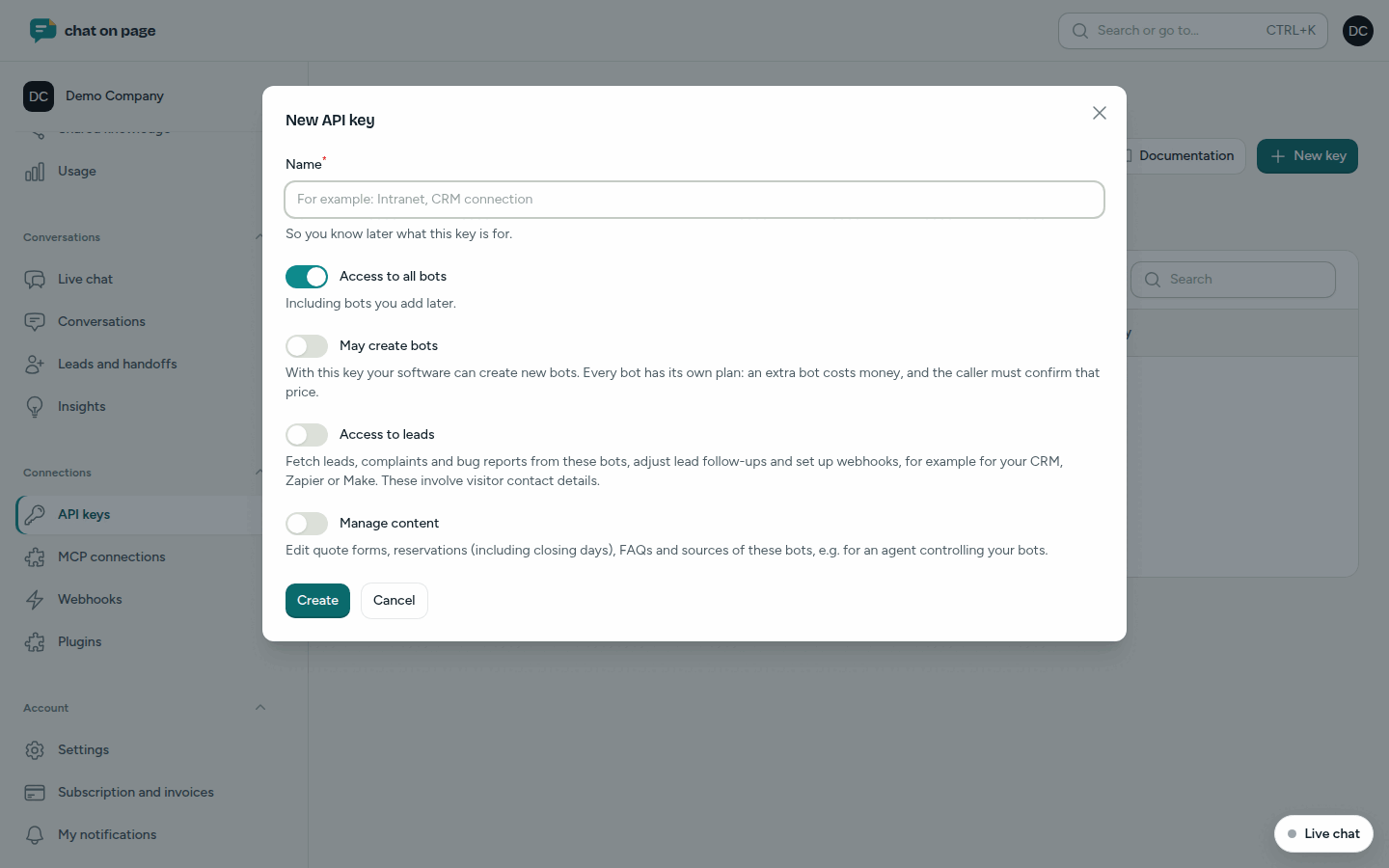
- In the menu, go to Connections → API keys.
- Click New key.
- Enter a Name so you know later what the key is for.
- Choose Access to all bots (including bots you add later), or turn it off and select specific bots under Bots.
- Enable what the key may additionally do: May create bots, Access to leads and Manage content. By default, everything is off.
- Click Create.
- Copy the key immediately and store it securely. You cannot view it again afterwards. Under Try it, there is a first call to test.
Managing keys
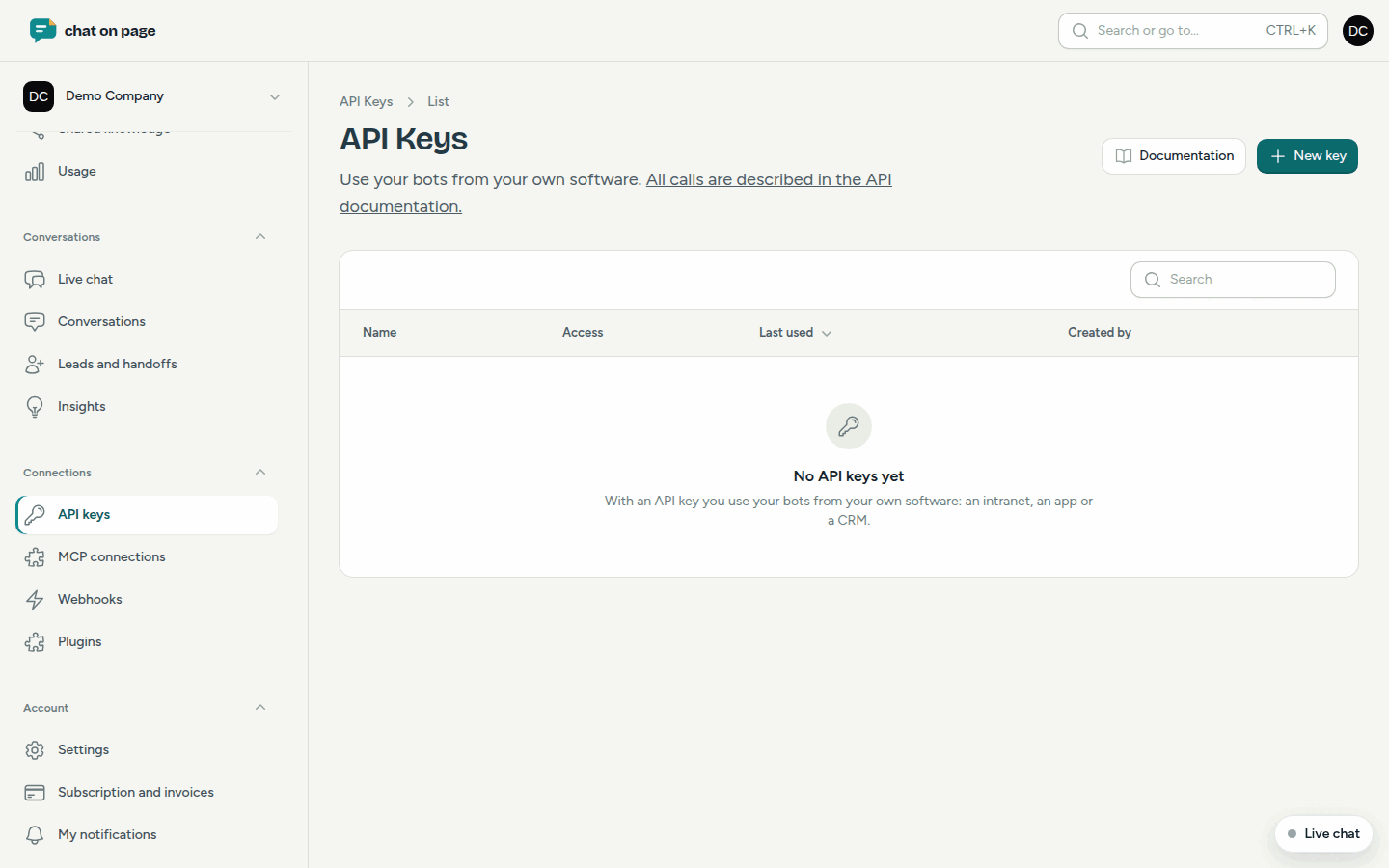
In the list, you see for each key its access, when it was Last used and who created it. With Edit, you adjust the name, the bots and the permissions. With Revoke, you immediately disable a key. Applications that use it will no longer have access, and any webhooks created with it will be removed. This cannot be undone.
Good to know
- Only the account administrator (role Admin) can create and manage API keys. See Team.
- Only grant a key the permissions it needs. With Access to leads, software can read visitors’ contact details.
- Has a key been leaked? Revoke it and create a new one.
- Do you want to forward leads immediately without requesting them yourself? Use webhooks.
- Do you want to use your bots in ChatGPT or Claude? You do not need a key. See MCP.
Another question? Our assistant will help you right away.