
View your usage
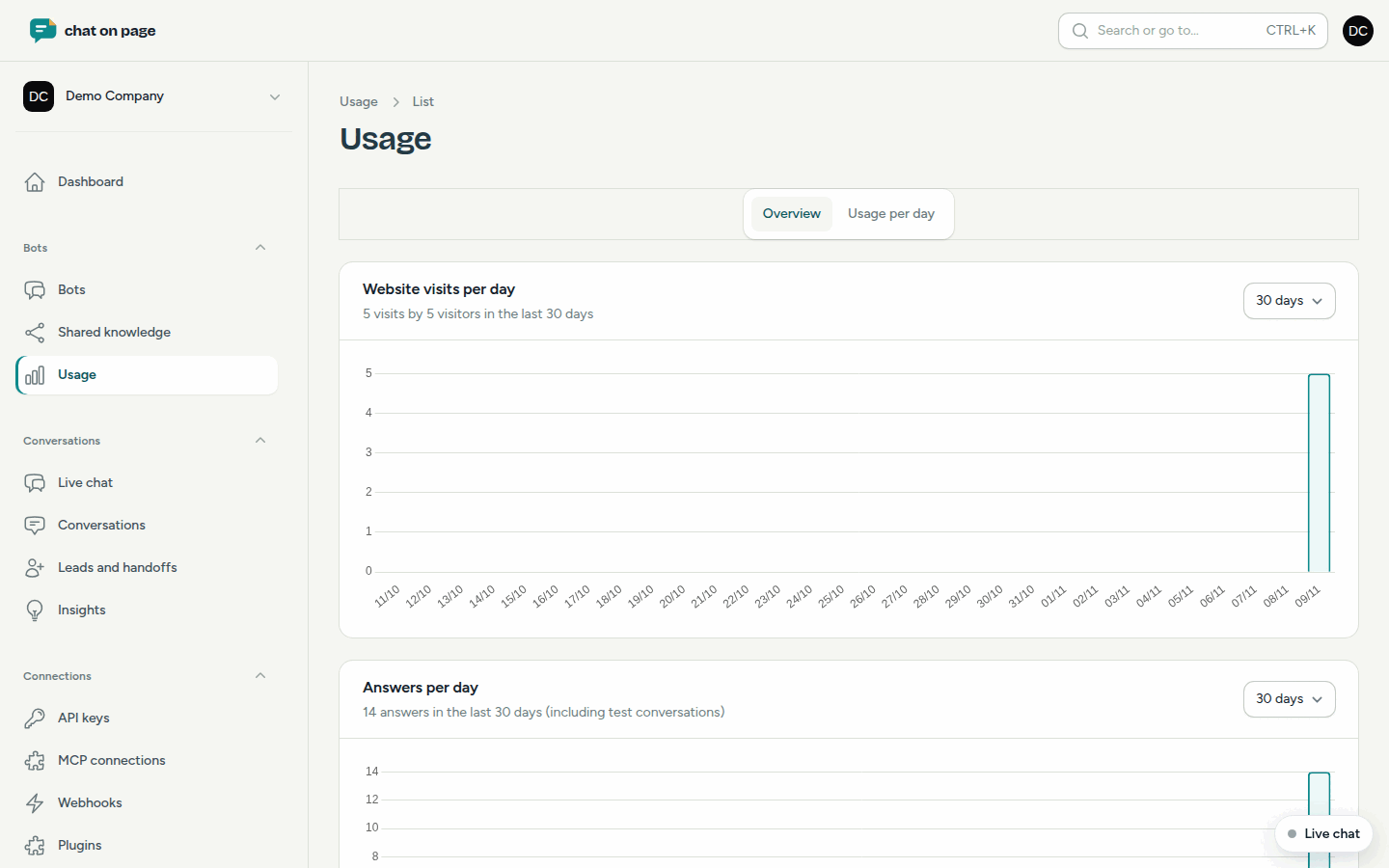
On the **Usage** page, you can see the website visits, bot answers and number of indexed pages per day, as well as the usage per bot and task.
On the Usage page, you can track how much your bots are being used. This way, you can see in time whether your plan still fits.
The overview
- In the menu, go to Bots → Usage.
- The Overview tab shows three graphs. Select 7 days, 30 days or 90 days in the top-right corner of each graph.
- Website visits per day: a visit is a visitor on a day when the chat loaded on their page, even if they did not ask a question. Test conversations are not counted.
- Answers per day: the number of answers from your bots. This number counts towards the answers in your subscription, and test conversations are included.
- Indexed pages: how many pages are in the knowledge base of all your bots, with the limit of your plan shown as a dotted line. Each language version of a page is counted.
Usage per day
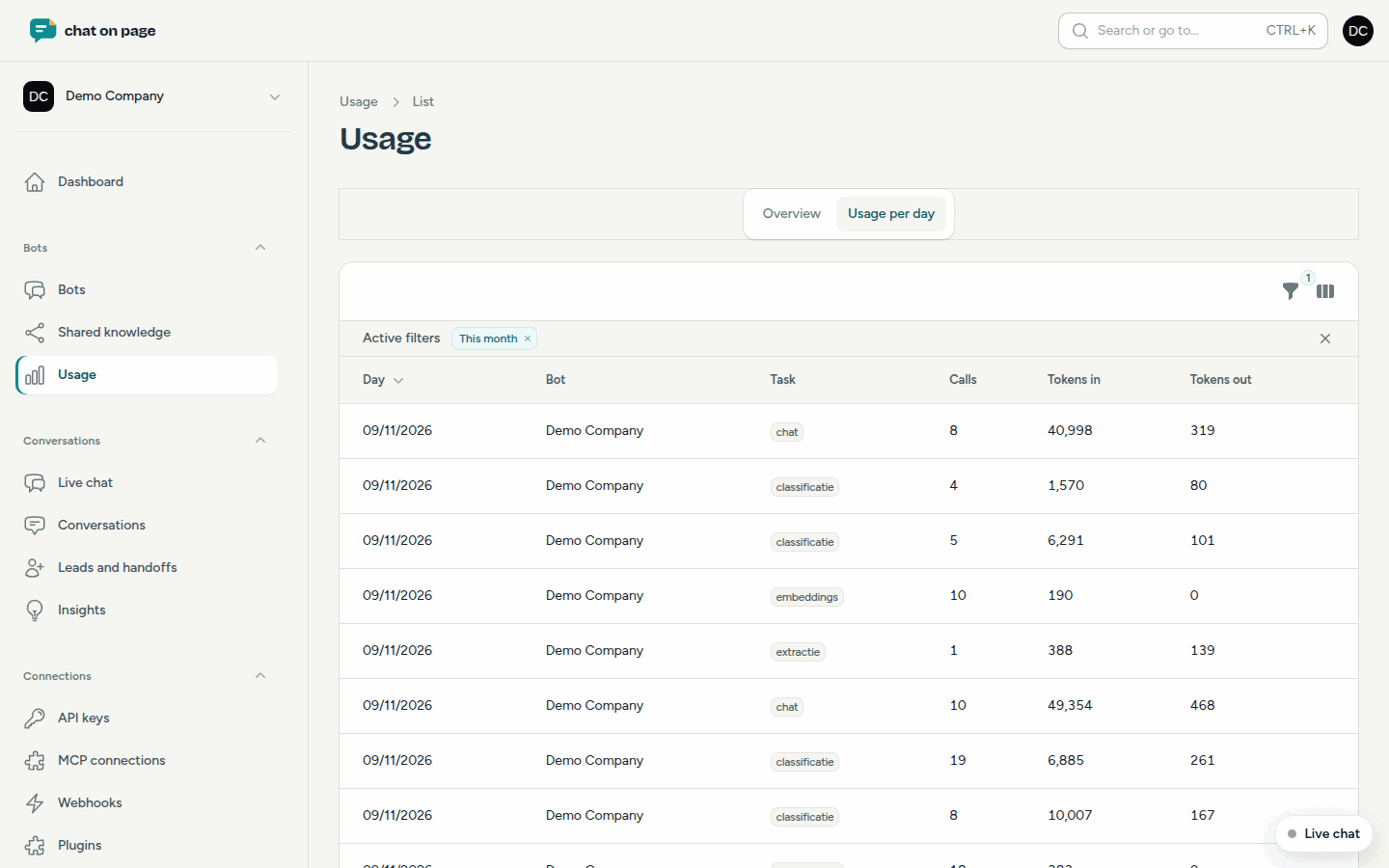
The Usage per day tab is a table showing, per day, bot and task:
- Calls: how often the language model was used.
- Tokens in and Tokens out: how much text went in and out.
- Task: chat, classification, extraction, embeddings, OCR or speech.
By default, you see This month. Filter by Bot or Task. The total is shown at the bottom. Via the column selection, you can also display the Model and whether it was a Test.
Good to know
- Everyone in the account can view this page, even with the Reader role.
- If Bot shows "Shared", the usage belongs to the account and not to a single bot.
- To see how many answers you have left in this term, go to Subscription and billing. You can also purchase additional packages there.
- Want to know what visitors are asking about? Check Insights.
Another question? Our assistant will help you right away.