
Insights into visitor questions
Every 2 weeks, Chat on Page analyses each bot’s conversations: what are the questions about, which ones have no answer, and what stands out?
You don’t need to read every conversation to know what’s going on. Every 2 weeks, Chat on Page analyses each bot’s conversations. You’ll see what the questions are about, which ones the bot couldn’t answer, and what you can improve.
Viewing insights
- In the main menu, select Conversations > Insights.
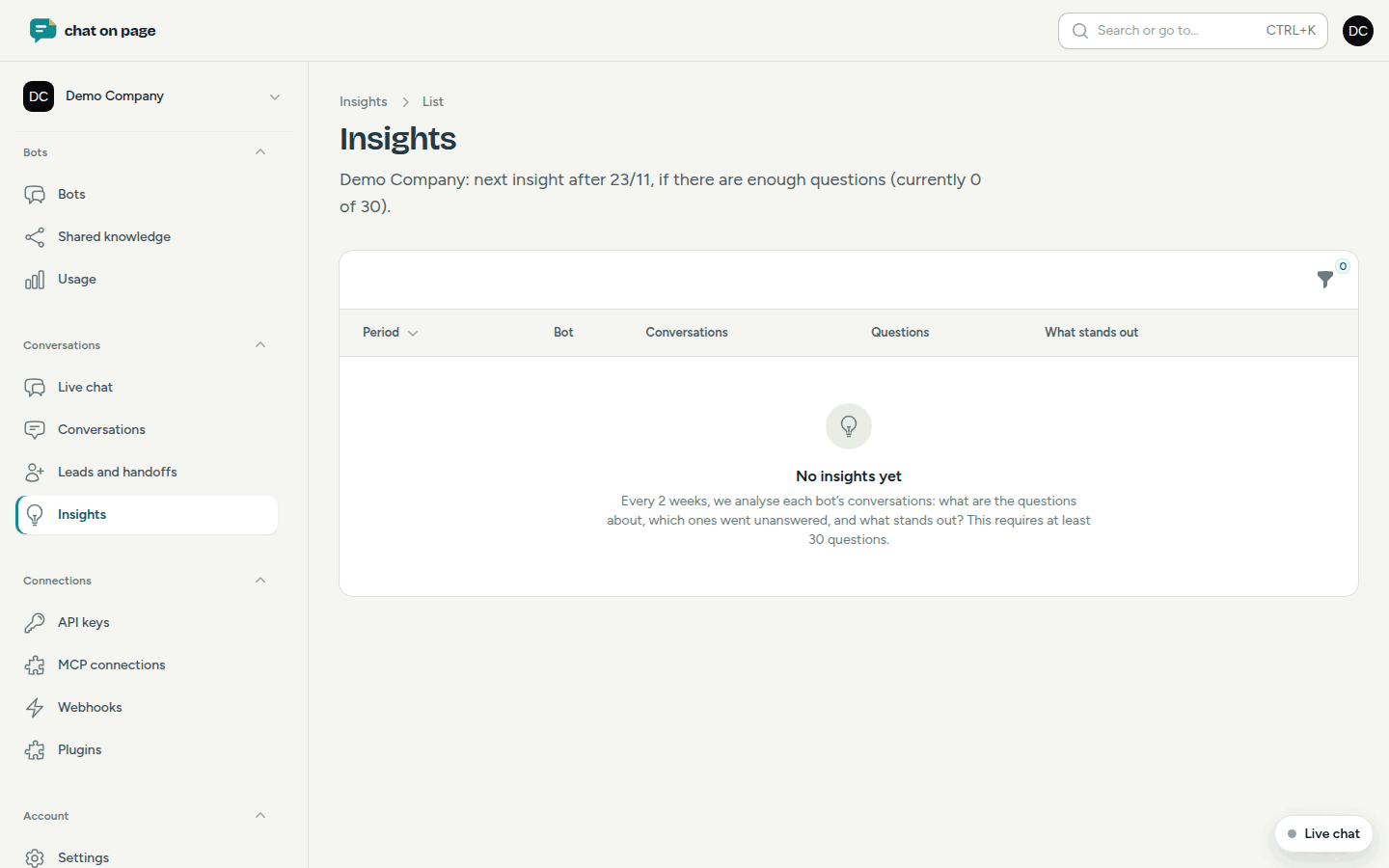
- In the list, you’ll see for each Period and Bot the number of Conversations and Questions, plus a one-sentence What stands out. Any insight you haven’t opened yet is labelled New.
- Click an insight to open it.
At the top of the list, you can see when the next insight will be available for each bot.
What’s in an insight?
- Summary and What stands out?: the key findings.
- What are the questions about?: questions with the same intent grouped together, with the largest topic first and examples.
- No answer: questions for which the bot found no answer or only a partial one. Use Create an FAQ to immediately add an answer in Questions and answers.
- Website: topics about which visitors ask a lot, even though the answer is already on your site. Make it easier to find there.
- Time: questions by day of the week and hour, plus how many came in outside opening hours.
- Choices: what visitors selected in the choice flows and where they dropped off.
- Trend compared to the previous period, visitor thumbs-up/down, languages used, and the words visitors use versus those on your website.
When does an insight appear?
- Each insight covers 14 days, from Monday to Sunday.
- At least 30 questions in 15 conversations are required. If there are fewer, the insight waits and the period extends, up to a maximum of 6 weeks.
- If the analysis fails, the numbers remain. Try again with Reanalyse.
Good to know
- Team members who have the New insights (every 2 weeks, per bot) notification enabled will receive an email when a new insight is available (see Profile and notifications).
- Test conversations from Try it out are not counted.
- Want to read a conversation from the examples yourself? Go to Conversations.
Another question? Our assistant will help you right away.