
Chat on Page for Shopify and Lightspeed
The apps for Shopify and Lightspeed eCom are coming soon. Until then, add the chat using the embed code or Google Tag Manager.
Dedicated apps for Shopify and Lightspeed eCom (C-Series) are on the way. Both apps are still awaiting approval in their respective platform app stores. In the portal, they are therefore listed as Coming soon under Connections → Plugins.
Until the app is available
You can already add the chat to your store, though without order status functionality.
Shopify
- Copy the code from Embed code for your bot. See Adding the chat to your website.
- Paste it into your theme, in
theme.liquid, just before<\/body>.
Lightspeed eCom
- Add the chat using Google Tag Manager. See Adding the chat with Google Tag Manager.
If your store’s domain differs from the website the bot reads, add it under Settings → General → Allowed domains.
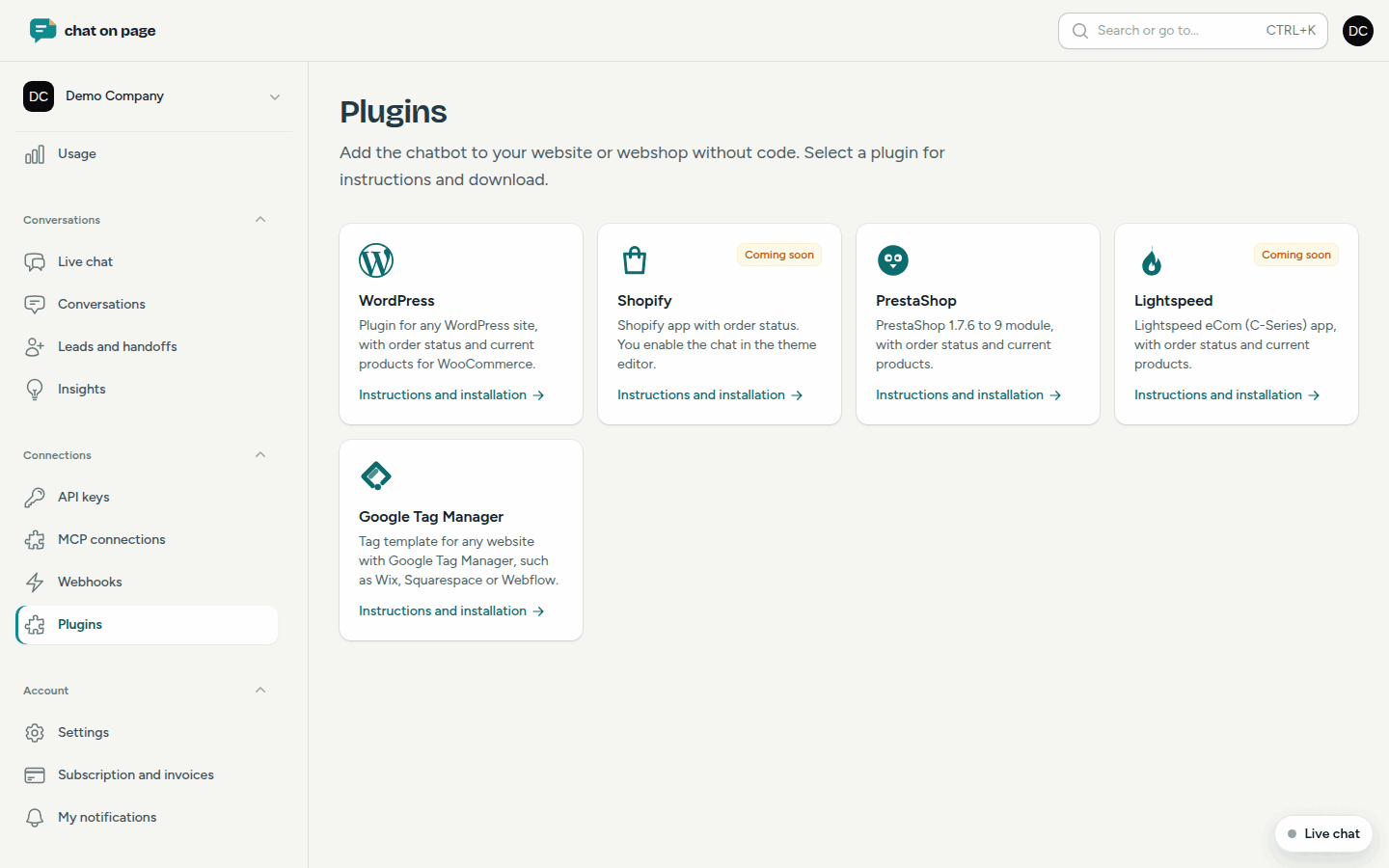
What the apps will do
Shopify: You install the app from the Shopify App Store and select your bot. Then, enable the chat in Shopify’s theme editor under App embeds. The bot can then provide order status: it asks for the order number and email address, and only if both match, it displays the status, products, and track & trace for orders from the last 60 days. Chat on Page reads your products just like any other website.
Lightspeed eCom: You install the app from the Lightspeed App Store and select your bot. Chat on Page then adds the chat to your store automatically, without any code or theme adjustments. The bot provides order status, and if you modify a product, price, or stock, Chat on Page immediately re-reads that product page.
Good to know
- As soon as an app is available, a button linking to the app store will appear on the Shopify or Lightspeed page in the portal.
- If you use WordPress or PrestaShop, a plugin is already available: see WordPress and PrestaShop.