
Changes: reviewing new and modified pages
Review what the bot found when it re-read your site, and choose whether changes are used automatically or only after your approval.
The bot regularly re-reads your sources. If it finds a new, modified or disappeared page, that counts as a change. You decide whether it is used immediately or waits for your approval.
Automatic or approve first
- Open your bot and select Settings > General.
- Turn Approve changes automatically on or off. By default, it is on.
- On: new and changed pages are immediately added to the bot’s Knowledge. This also applies to any found Locations and opening hours.
- Off: every change waits under Changes for your approval.
- Want to deviate per source? For the source under Changes, choose Approve first or Apply automatically. With Same as the bot, the source follows the bot’s setting.
If you turn the setting back on, pending changes are applied immediately.
Reviewing changes
- Select Knowledge > Changes. The number next to the menu item shows how many are pending.
- Each change has a Type: New, Changed or Disappeared, with a short Summary.
- Click View to compare the page with the previous version. Red disappears, green is added, grey remains the same.
- Choose Approve, Reject or Exclude. You can also select multiple changes at once.
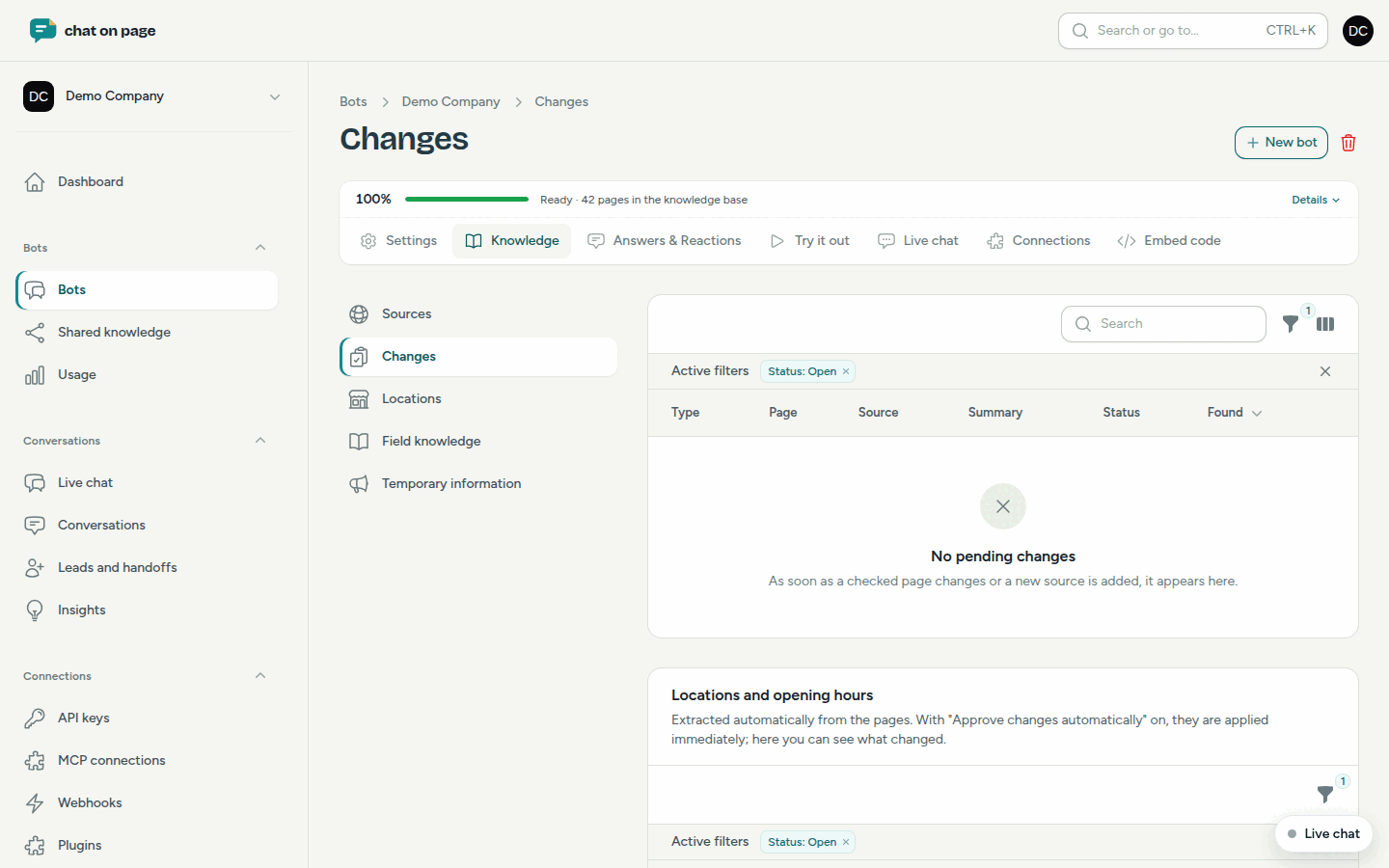
What the buttons do:
- Approve: the change is applied to the bot’s knowledge. For a disappeared page, it is removed from the knowledge.
- Reject: the bot continues to use the previous version. The same content will not be submitted again.
- Exclude: the page will no longer be read and is removed from the knowledge. You can reverse this for the source under Exclude pages.
Below the list is the Locations and opening hours block, with proposed changes to addresses and hours. See Locations.
Daily email
If there are pending changes, you will receive an email every morning with an overview per source and a View changes button. If a change to locations or opening hours needs approval, you will receive that email immediately. The same email also includes responses that visitors gave a thumbs down the previous day. Who on your team receives the email is set under Profile and notifications.
Good to know
- As long as a change is pending, the bot uses the last approved version.
- If you want a source to be re-read immediately, select Check now for that source.
- Changes to shared sources are also listed under Shared knowledge.