
Shared knowledge for multiple bots
Manage sources, locations, answers and flows in one place if they apply to multiple bots in your account.
If you have more than one bot, for example one per brand or language, you may want to maintain some knowledge only once. General terms and conditions, your locations or a fixed question: under Shared knowledge, it applies to multiple bots at once. If you work with one bot, you do not need this.
What you can share
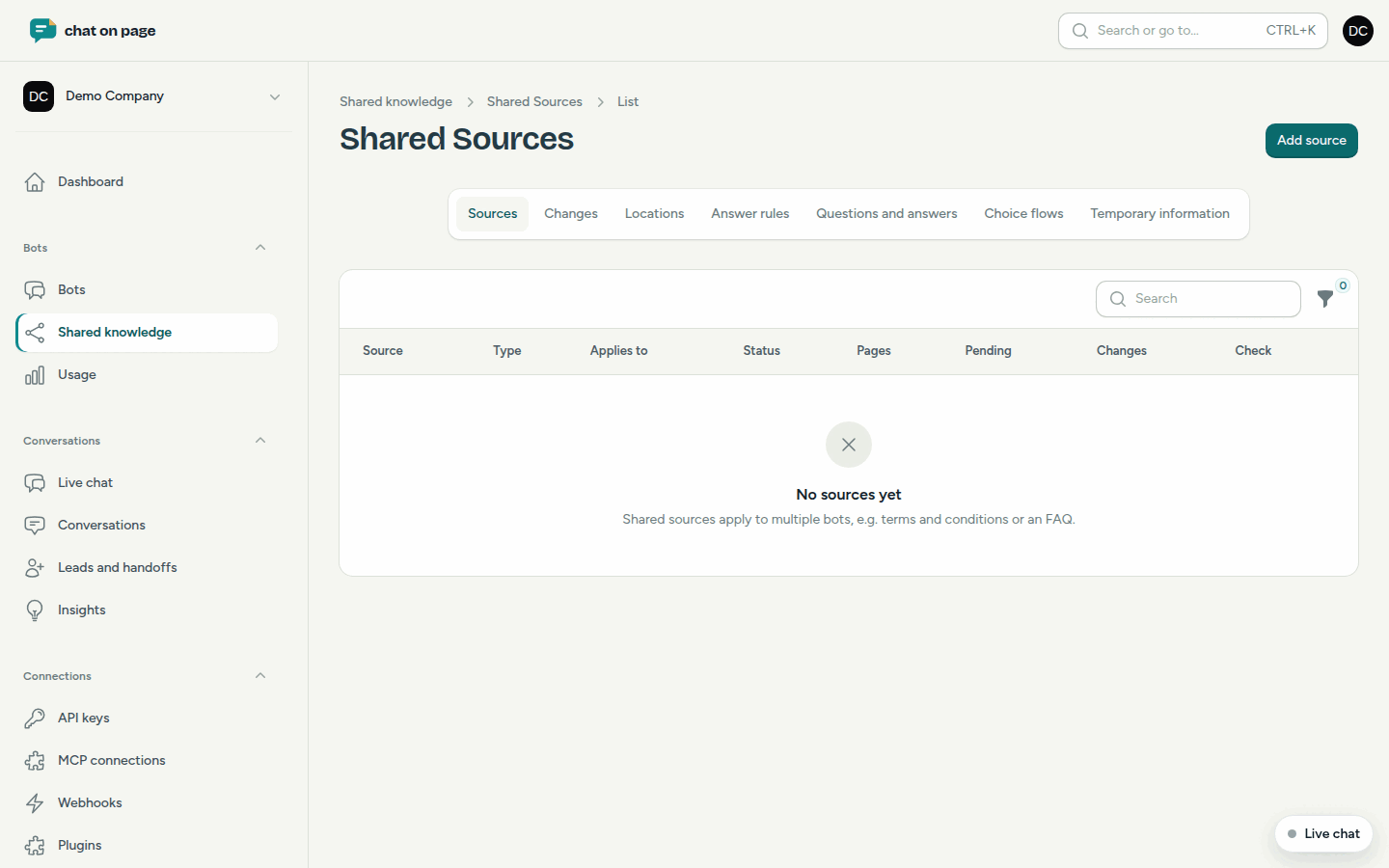
In the main menu, under Bots, select Shared knowledge. At the top are the sections:
- Sources: see Sources.
- Changes: pending changes to shared sources and locations. See Changes.
- Locations: see Locations.
- Answer rules: see Answer rules.
- Questions and answers: see Questions and answers.
- Choice flows: see Choice flows.
- Temporary information: see Temporary information.
Sharing something
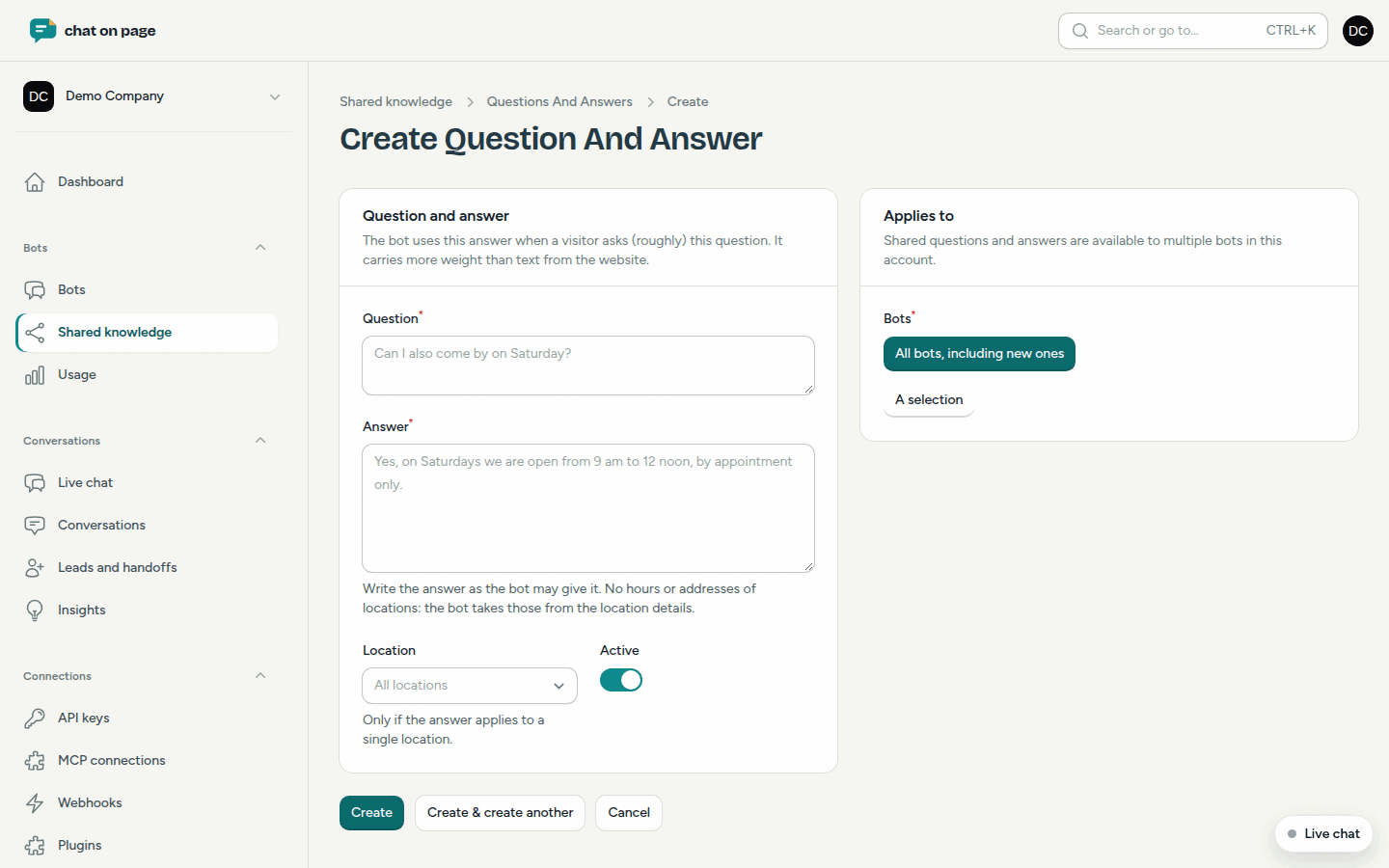
- Select Shared knowledge and the section, for example Sources.
- Click the button to add, such as Add source.
- Fill in the form as you would for a single bot.
- Under Applies to, for Bots, choose:
- All bots, including new ones: it applies to every bot, including bots you create later.
- A selection: under Selected bots, choose which bots it applies to.
- Save.
Shared knowledge in your bot
Shared items also appear in the lists of each bot they apply to. In the From column, you will see Shared; your own items show This bot. If you select Edit for a shared item, you modify it under Shared knowledge, and thus for all bots at once. You can only delete it there, not from a single bot.
Good to know
- For a shared source, Changes is set by default to Default (automatic): new and modified pages are used immediately. Choose Approve first if you want to review them.
- Pending changes to shared sources appear under Shared knowledge and under Knowledge > Changes for each bot that uses the source.